
Full Example: RTC Video Chat
The RTC Video Chat page connects two browsers directly for video, audio and text with WebRTC, with Skapi doing the signaling over its realtime connection. It needs a logged-in user, and WebRTC works over HTTPS or on localhost. Open it in another browser or device with a second account and call each other.
Enter your project ID to open the demo.
You need your project ID to open the demo.
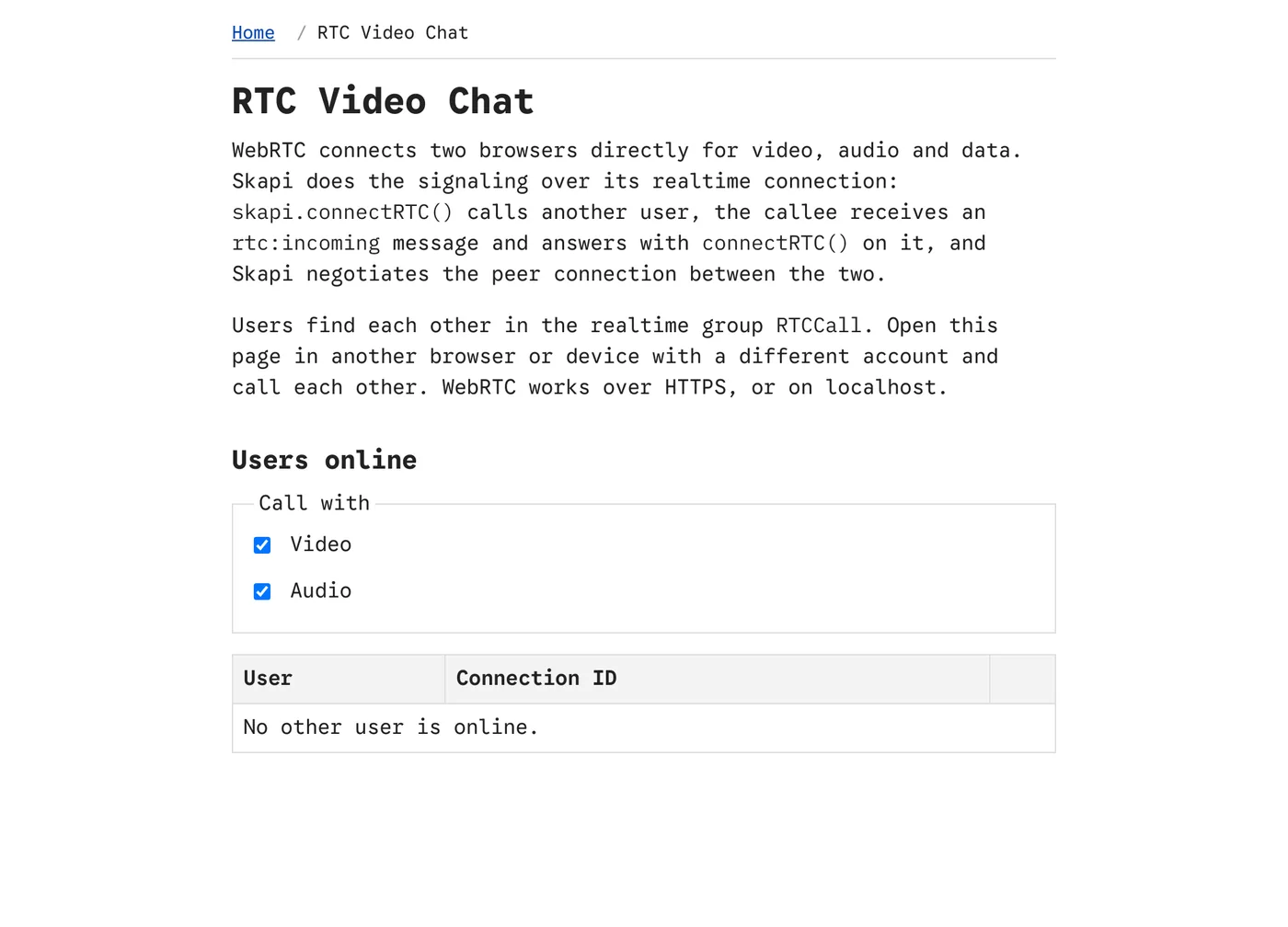
webrtc.html before a call: the other users on the page, each with a call button.
What it demonstrates
| Feature | How the page does it |
|---|---|
| Finding each other | Every visitor of the page joins the realtime group RTCCall; getRealtimeUsers() and the USER_JOINED and USER_LEFT notices keep a table of the other users online, with their connection IDs. |
| Calling | connectRTC() with the other user's connection ID and the chosen media (video, audio). The call's connection promise resolves once the other side accepts. |
| Receiving a call | The callee gets an rtc:incoming realtime message and answers it with connectRTC() on that message to accept, or hangup() to reject. |
| The streams | The track event carries the other user's media stream into a video element; the caller's own stream is shown muted. |
| Text over the data channel | Messages typed on the page are sent over the connection's default data channel, straight between the two browsers, and shown on both sides. |
| Hanging up | hangup() on either side ends the call; the connectionstatechange event returns both pages to the user list. |
Download
The page is part of the full template: skapi-templates.zip. See Full Examples for how to run it.