
Full Example: Shared Drawing
The Shared Drawing page puts two users on one canvas. Every stroke travels over a WebRTC data channel, straight from one browser to the other, and is drawn on the other side as it happens. No video is involved: a stroke is a few numbers, so it costs almost no bandwidth and both sides draw at once. It needs a logged-in user. Open it in another browser or device with a second account and invite each other.
Enter your project ID to open the demo.
You need your project ID to open the demo.
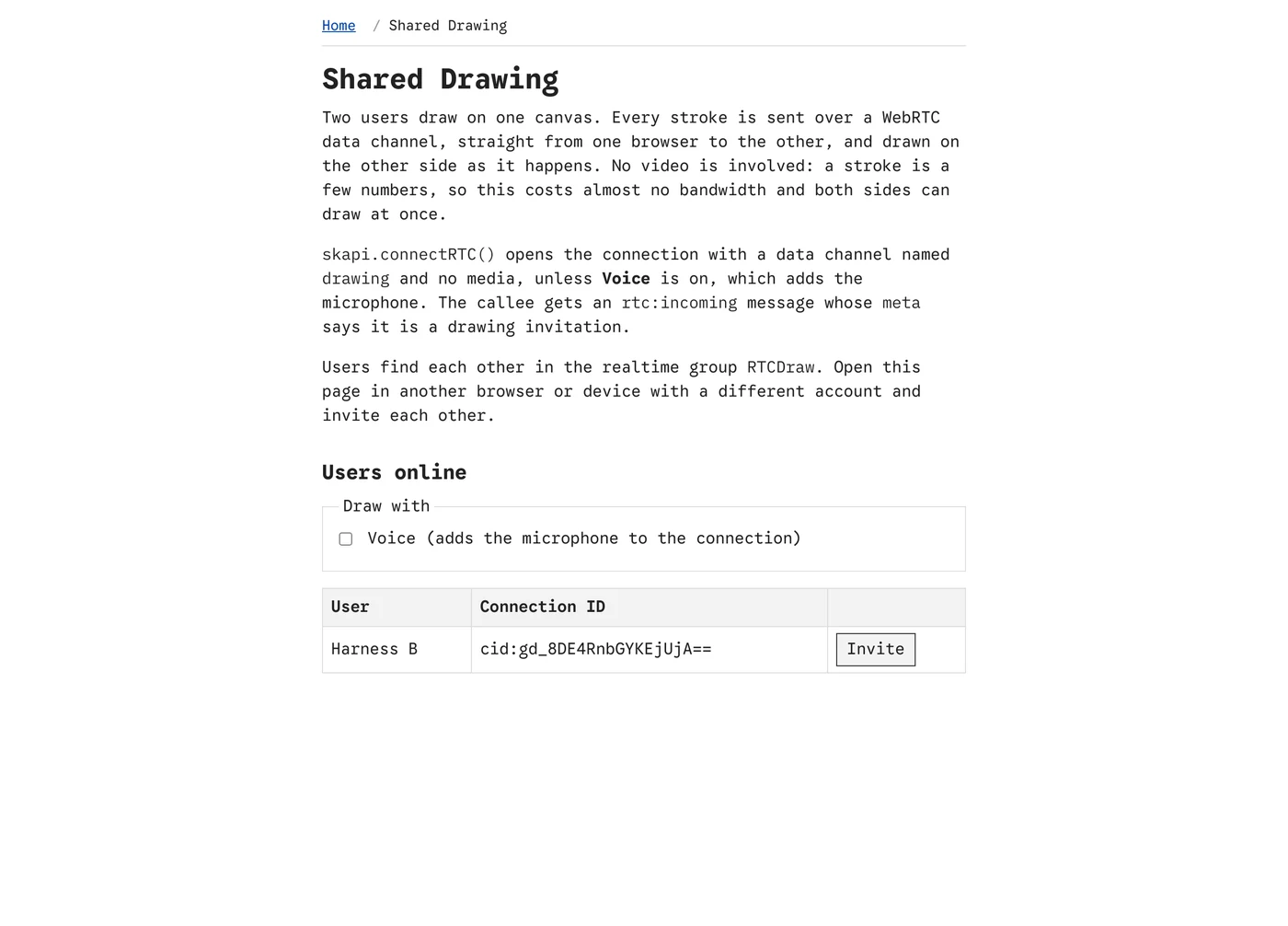
drawing.html before a session: the other users on the page, each with an invite button.
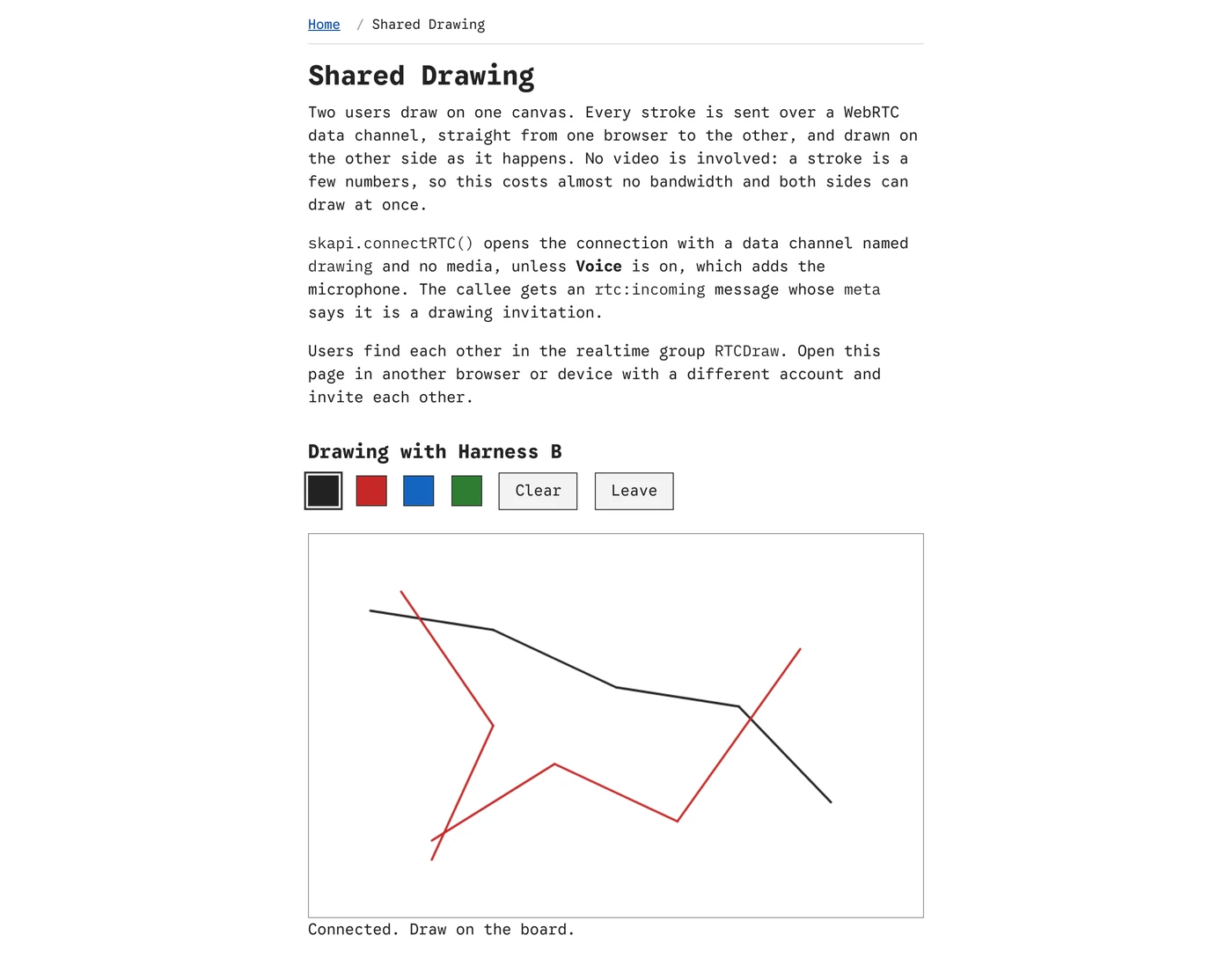
Drawing together. Each side draws locally and sends the segment; the other side draws the same segment.
What it demonstrates
| Feature | How the page does it |
|---|---|
| Finding each other | Every visitor joins the realtime group RTCDraw; getRealtimeUsers() and the USER_JOINED and USER_LEFT notices keep the table of users online. |
| A connection without media | connectRTC() with channels: [{ protocol: 'drawing', ordered: true }] and no media: an ordered, reliable data channel and nothing else. With Voice on, media: { audio: true } adds the microphone; either side may turn it on for itself. |
| Saying what the call is | meta: { kind: 'drawing' } travels with the invitation, and the callee's dialog says "wants to draw with you" rather than showing a video call. sources tells it whether voice is coming. |
| Strokes over the channel | Pointer events draw on the local canvas and send each segment as JSON (from, to, color, width), with positions as fractions of the canvas size. The other side draws the same segment in the message event of the drawing channel, told apart from other channels by label. |
| Clear | A clear message empties both canvases. |
| Leaving | hangup() on either side; the connectionstatechange event returns both pages to the user list and clears the board. |
Download
The page is part of the full template: skapi-templates.zip. See Full Examples for how to run it.