
Full Example: User Account
The User Account pages demonstrate Skapi's account system end to end. Every step is one method call, usually with a plain HTML form as its argument.
Enter your project ID to open the demo.
You need your project ID to open the demo.
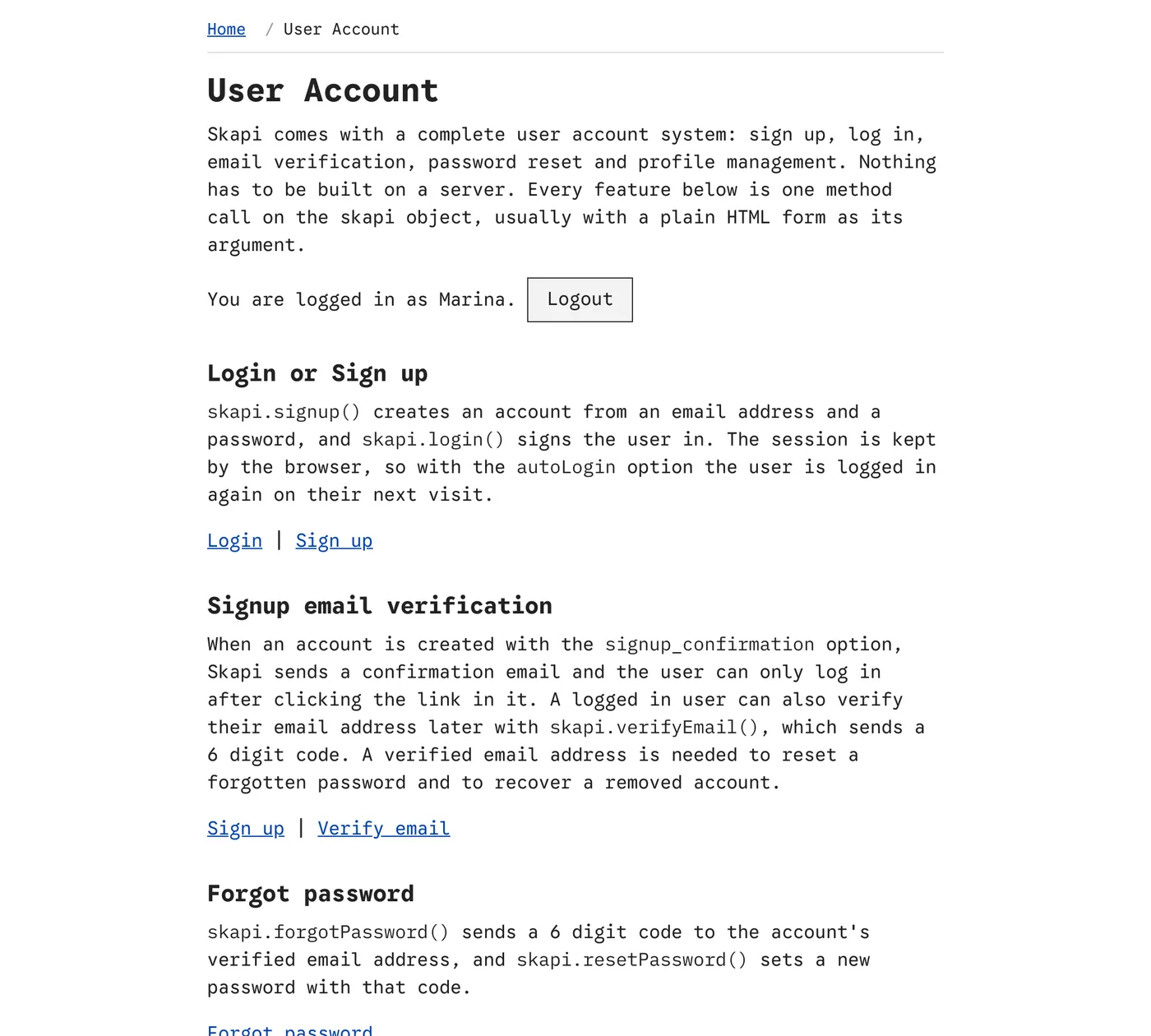
account.html, the hub of the account pages, with a user logged in.
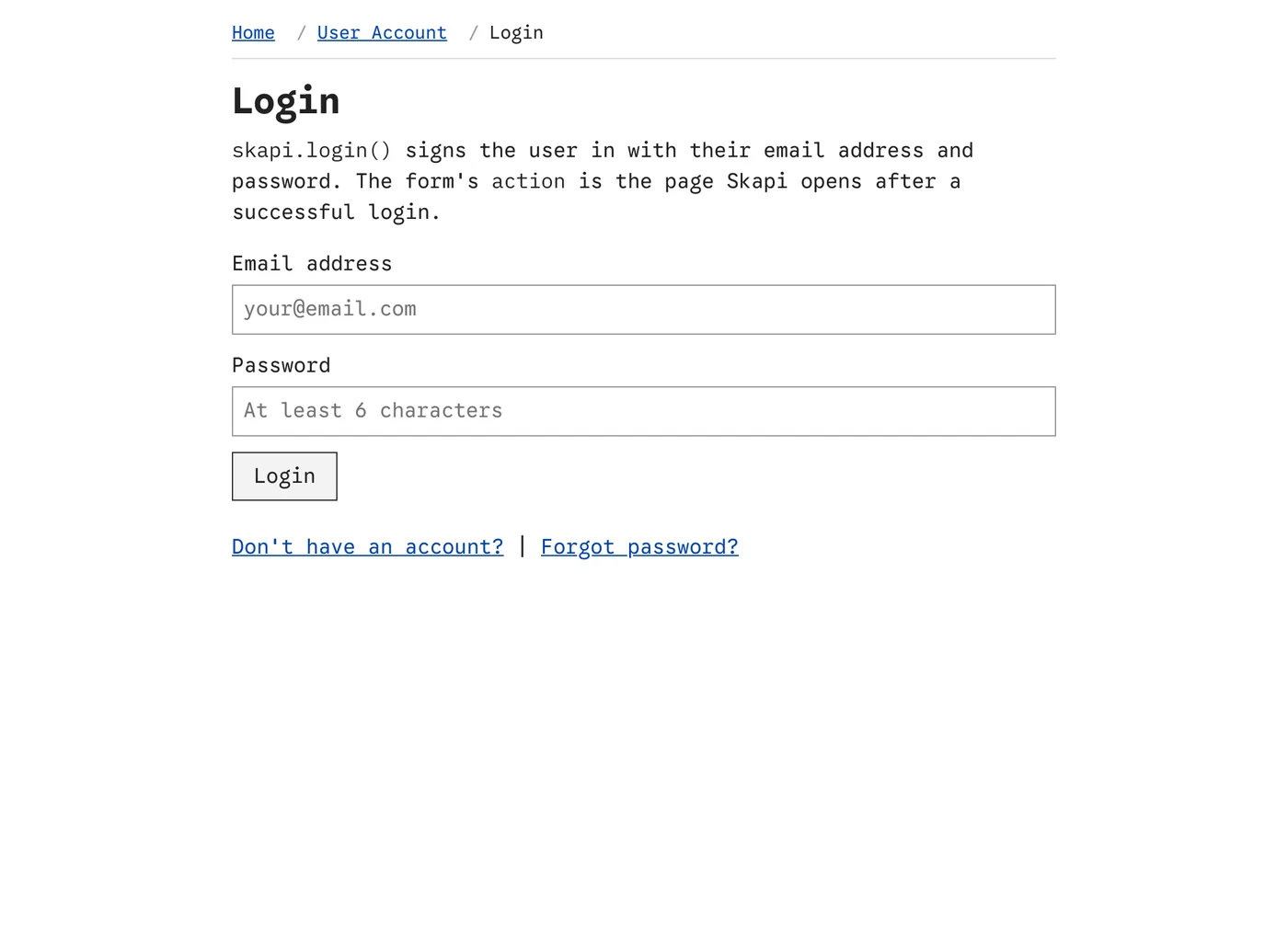
login.html. The form is passed to login() as it is.
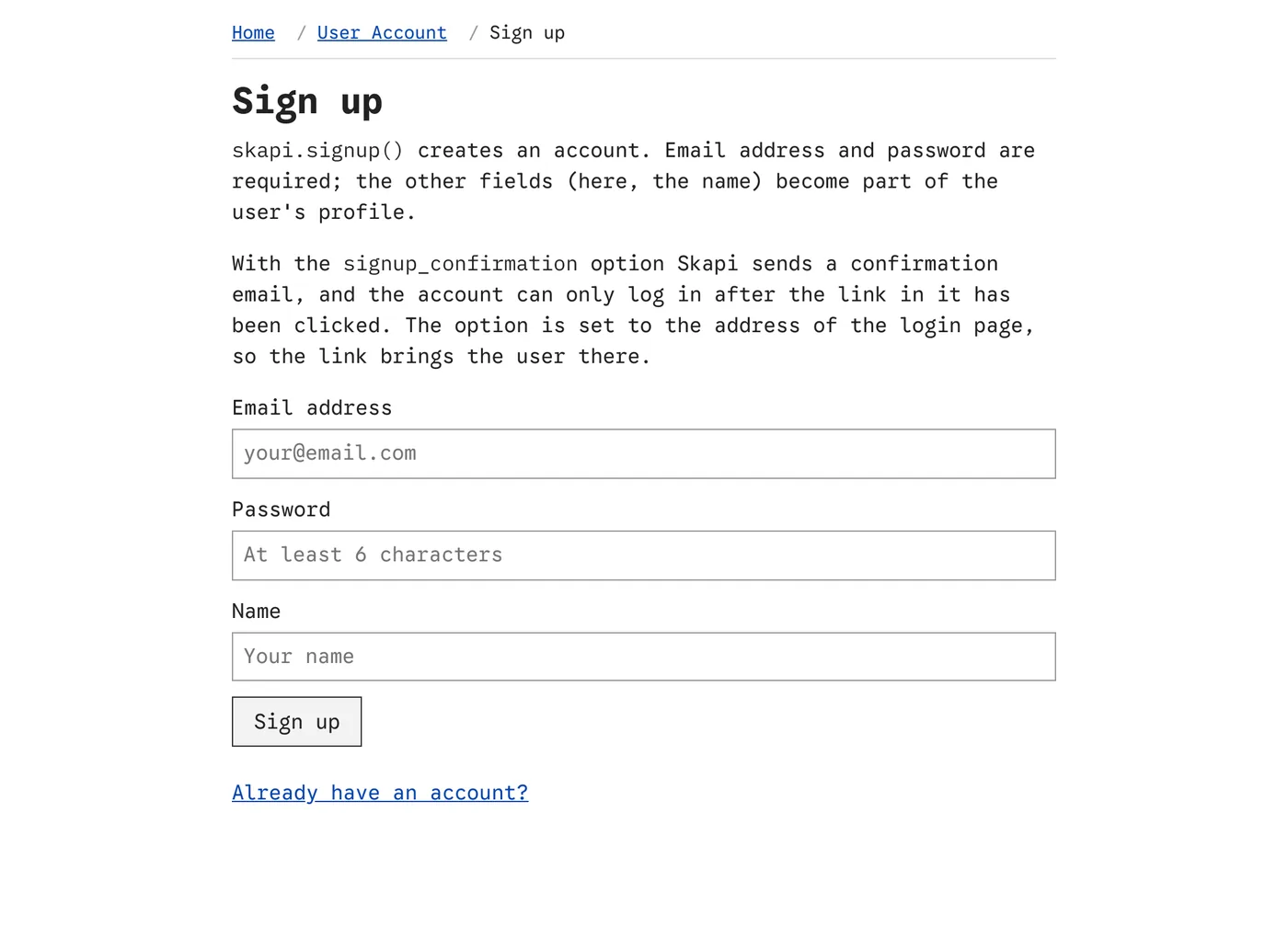
signup.html. Email address and password are required; the other fields are optional.
What it demonstrates
| Page | Method | What happens |
|---|---|---|
signup.html | signup() | Creates an account from an email address, a password and a name. With the signup_confirmation option a confirmation email is sent, and the account can log in only after the link in it is clicked. |
login.html | login() | Signs the user in. The form's action is the page Skapi opens afterwards, so a visitor sent here from another page goes back to it. The autoLogin option logs the user in again on their next visit. |
email-verification.html | verifyEmail() | Sends a 6 digit code to the user's email address, then verifies the address with that code. A verified address is needed to reset a password and to recover an account. |
forgot-password.html, reset-password.html | forgotPassword(), resetPassword() | Sends a verification code, then sets a new password with it. |
change-password.html | changePassword() | Changes the password of the logged-in user. |
update-profile.html | updateProfile() | Edits the name, birthdate and email address, and whether the email address is shown to other users. |
remove-account.html | disableAccount() | Removes the account. It is disabled rather than deleted right away, so it can still be recovered. |
recover-account.html | recoverAccount() | When a removed account tries to log in, the login fails with USER_IS_DISABLED and the login page offers to send a recovery email. The link in it enables the account again. |
account.html ties the pages together: it describes each feature, links to its page, and shows who is logged in with a logout button (logout()).
Download
The pages are part of the full template: skapi-templates.zip. See Full Examples for how to run it.