
Full Example: Realtime Chat
The Realtime Chat page is a group chat with private messages, built on Skapi's realtime connection. It needs a logged-in user. Open it in another browser or device with a second account and join the same group to chat.
You need your project ID to open the demo.
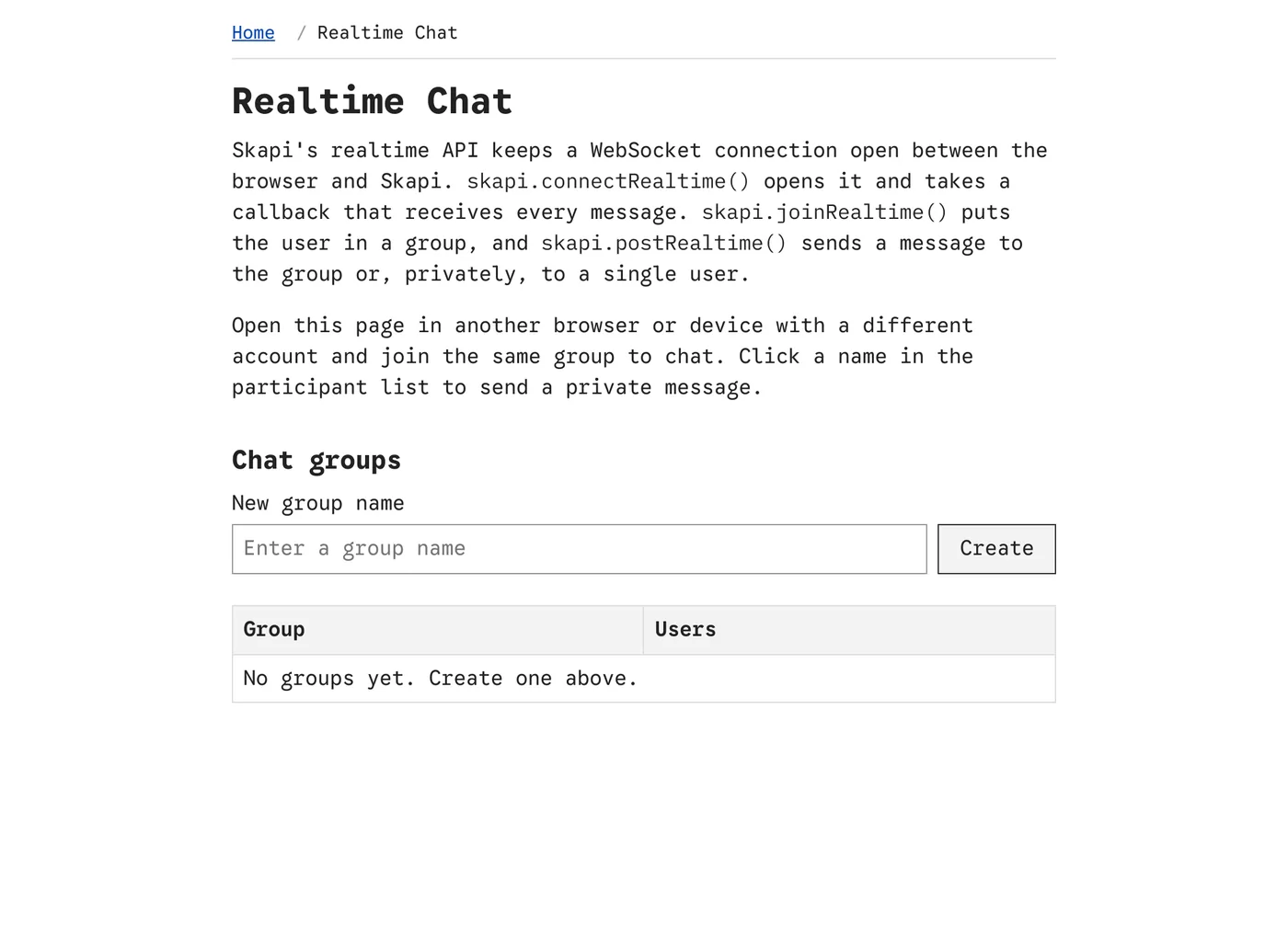
realtime.html before a group is joined: create a group, or pick one from the table.
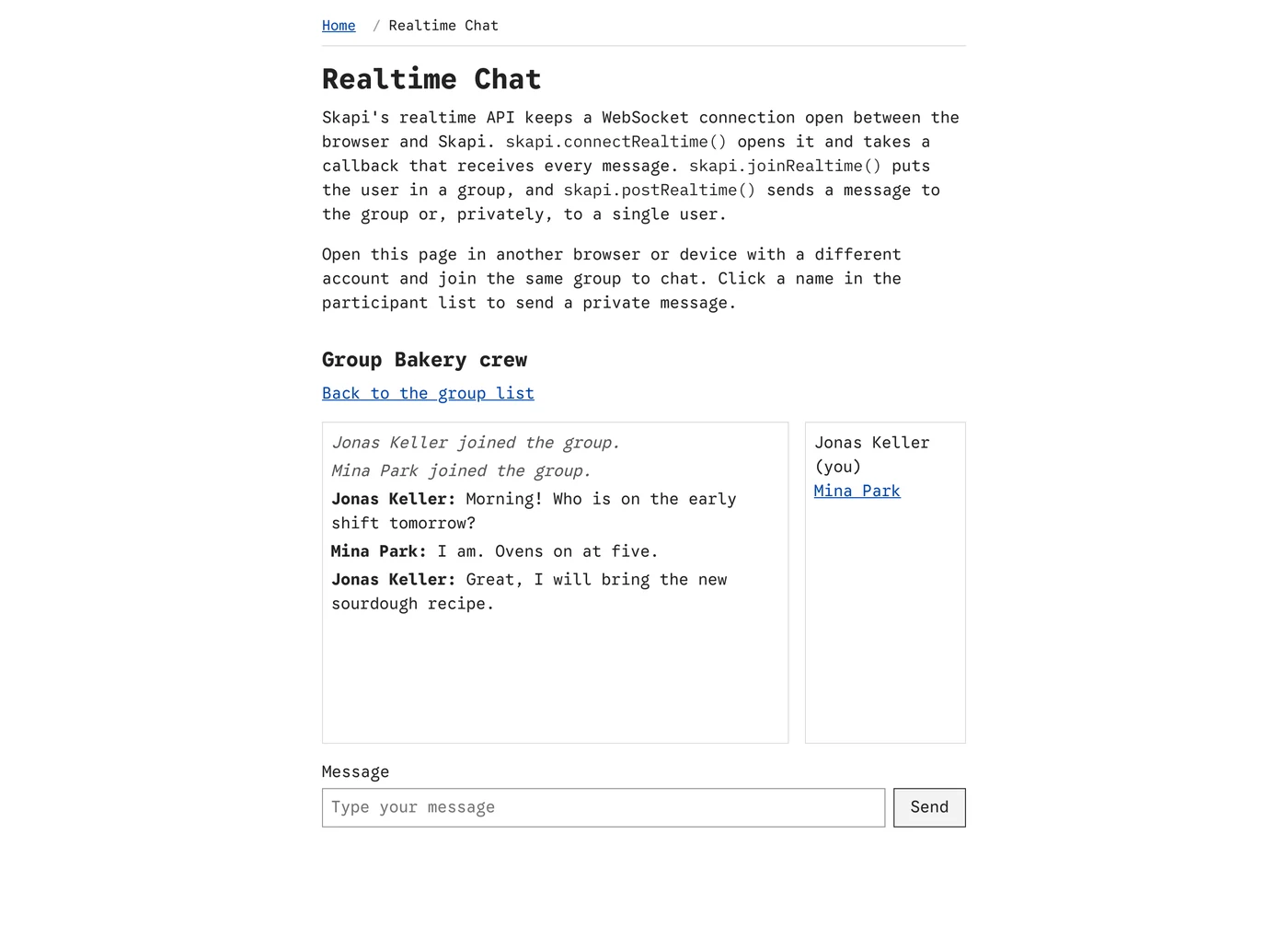
In a group. Every message, the sender's included, arrives through the realtime callback and is appended to the box; the list on the right shows who is in the group.
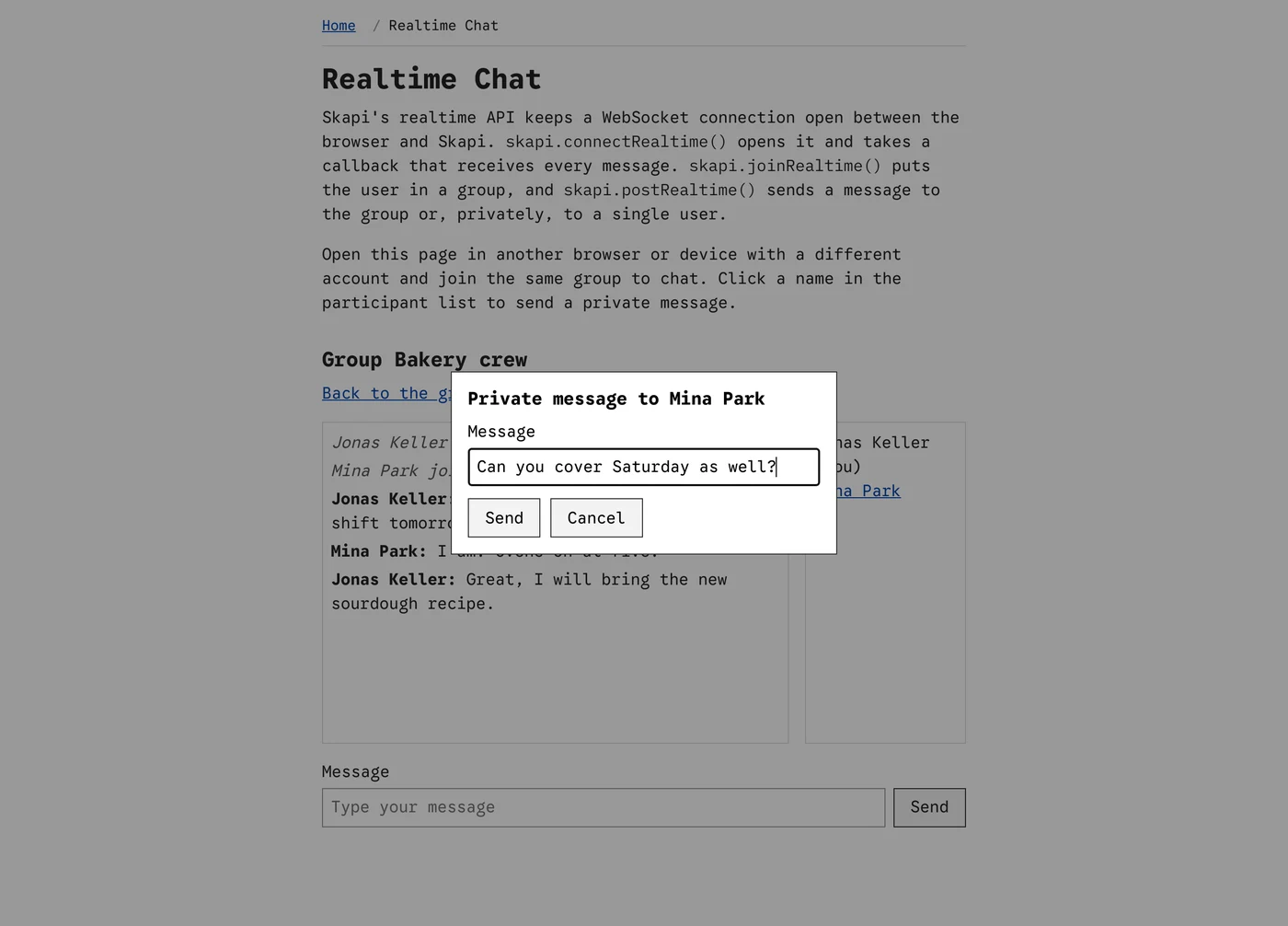
Clicking a name in the participant list opens the private message dialog. The message goes to that user only.
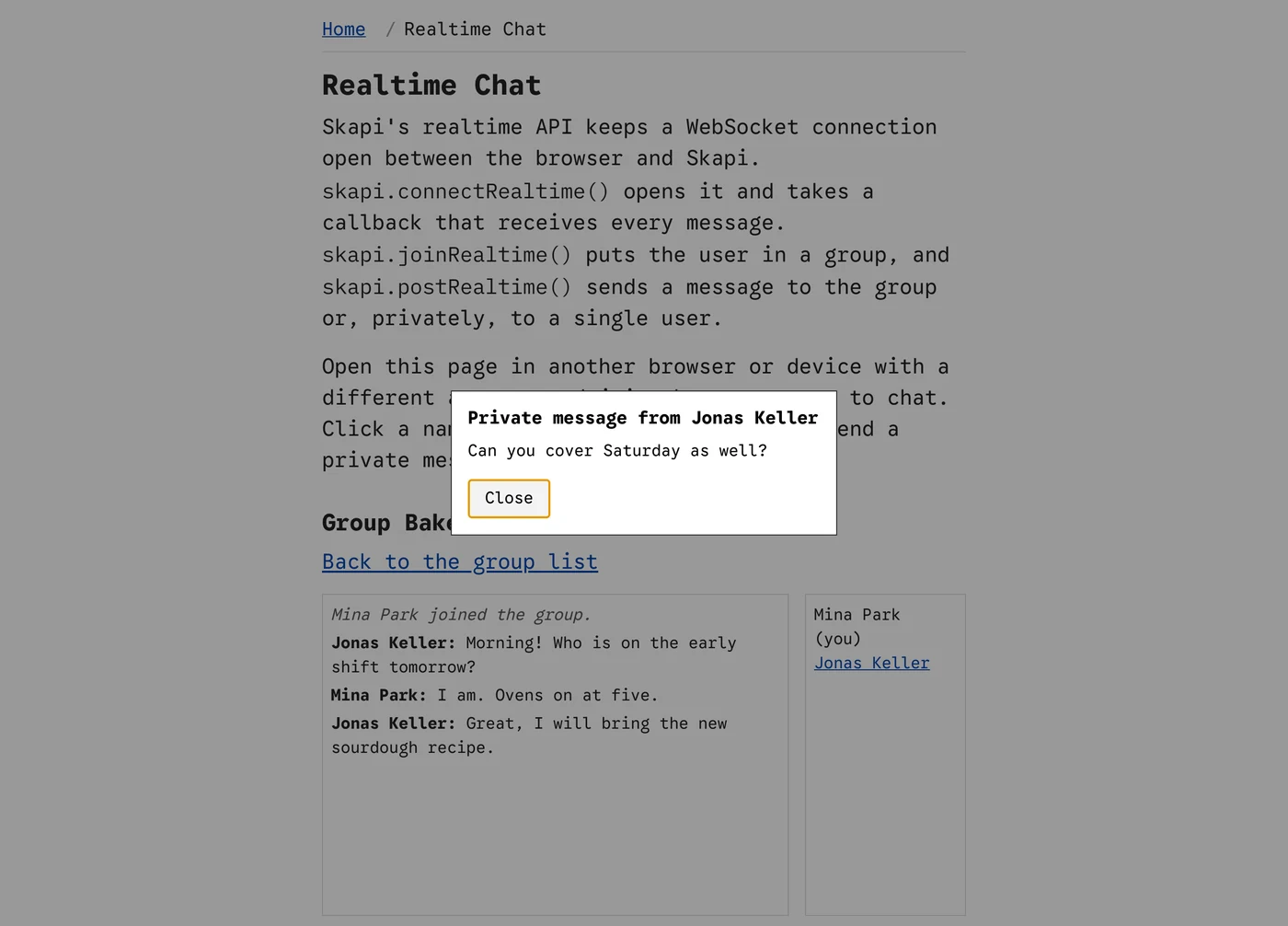
What the other user sees: a private message opens this dialog.
What it demonstrates
| Feature | How the page does it |
|---|---|
| Connecting | connectRealtime() opens the WebSocket connection once the user is known, with one callback that receives every message. |
| Listing and creating groups | getRealtimeGroups() lists the groups that have someone in them. Creating a group is joining a name nobody has joined yet. |
| Joining a group | joinRealtime() with the group name from the URL hash; getRealtimeUsers() lists who is already there, and their profiles come from getUsers(). |
| Group messages | postRealtime() with the form and the group name. Everyone in the group, including the sender, receives it as a message. |
| Private messages | Clicking a name in the participant list opens a dialog; postRealtime() with a user ID instead of a group name delivers the message to that user only, as a private message. |
| Joining and leaving | The notice messages with the codes USER_JOINED, USER_LEFT and USER_DISCONNECTED keep the participant list current. |
Download
The page is part of the full template: skapi-templates.zip. See Full Examples for how to run it.